
In a previous post, I explained how I did to migrate all the existing ERs of a project to Dataverse. But what about the new ER reports or versions created after that? After months of not knowing what the new development/deployment cycle will look like due to the deprecation of RCS and the move to Dataverse, we finally have an answer! There is a new functionality to streamline the process of uploading to the Dataverse repository your Electronic Reporting objects right after you have developed and tested them in your development environment! That way you will be able to easily distribute them to all the different environments and also keep all your reports in one place, making easier to avoid ending up having divergent versions of the same report.
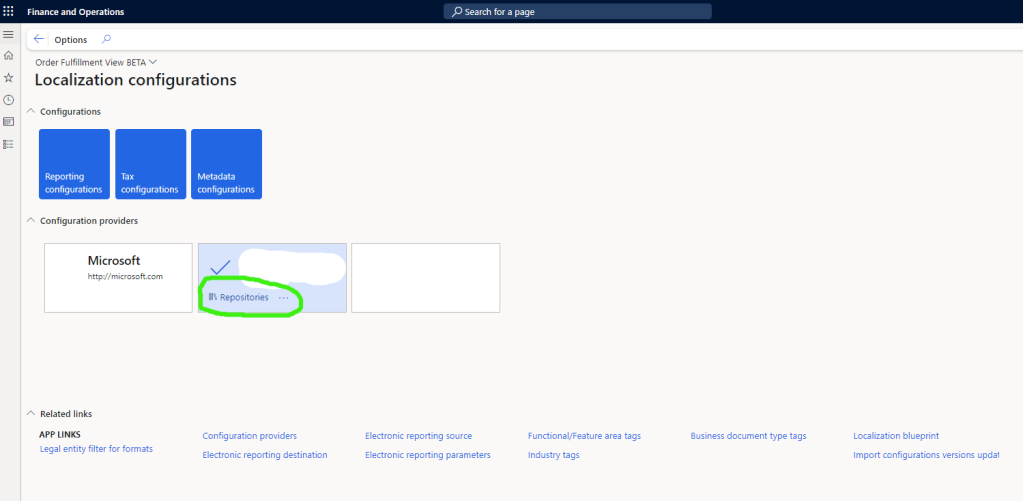
This functionality is included into the Upload into repository (that it normally worked so-so), but that now is a live safer/changer for all the ER developers that want to do the things correctly and use a Repository. Check the MS learn documentation if you need to complement what is visually seen in this post.
Configure the Dataverse solution in the Repository
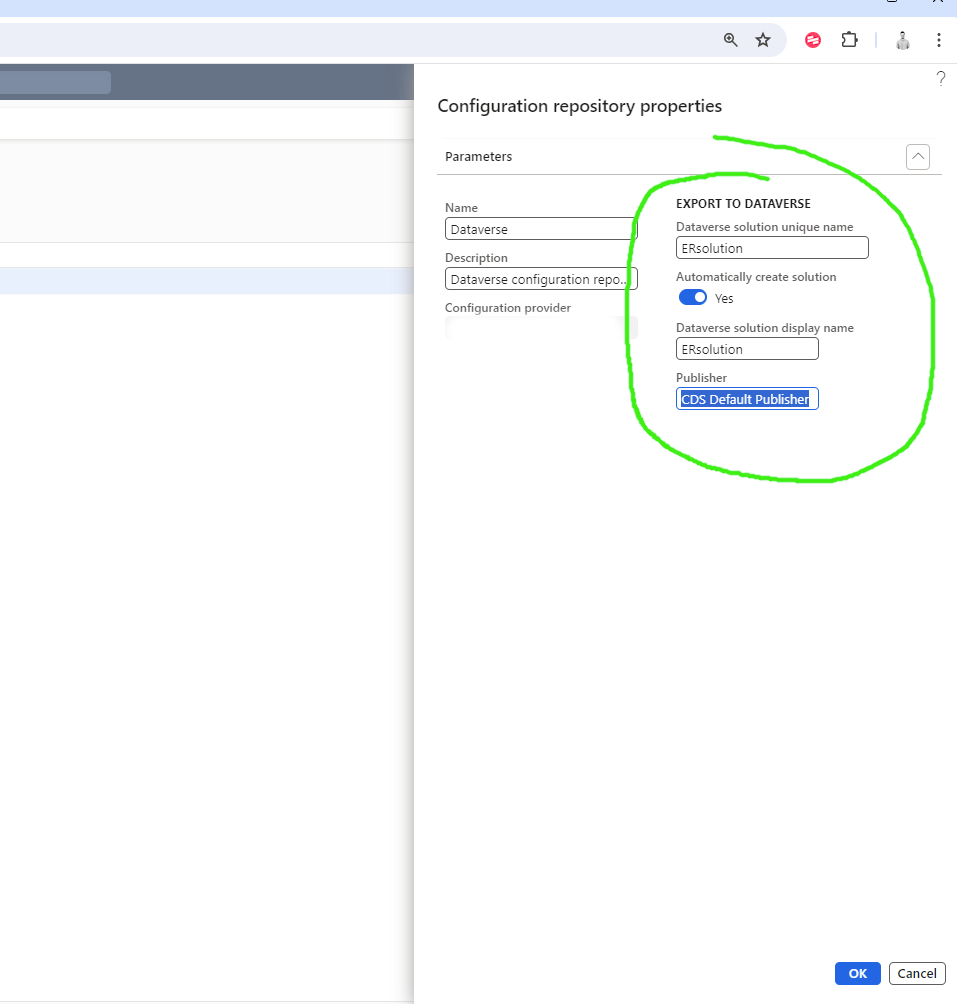
Now, when we create a new Dataverse configuration repository:
It will allow us to check the Automatically create solution check box and provide the Dataverse Solution name and some more information.
*Make sure that the user that is creating this solution and the users that will use this functionality will have access to Create, Read, Write, Delete, Append, Append to, Assign, Share permissions for the Organization to the following tables: Solution, Publisher, Electronic Reporting Configuration File, Electronic Reporting Configurations Index File, Globalization Feature File, and Globalization Features Index File
Export your ERs automatically to Dataverse:
Now, when you finish you changes, you complete the changes and after you have tested and checked that you didn’t break anything (and it works fine), you can just go and “Upload into repository”:

And:
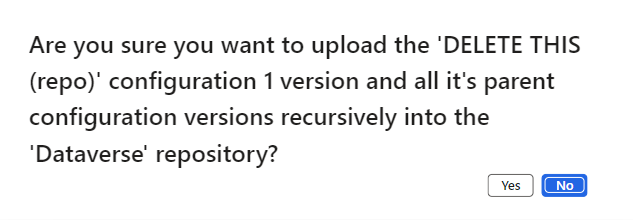
Followed by a sweet:

Check in the Dataverse connected environment
Now we are gonna check that actually the ER object is uploaded to the repo. We go to the Solutions of that particular Dataverse environment and check for the one named as we configured in the ER repository:

And if we get in, we can see how the new objects are in fact recently uploaded successfully:

Conclusion
With this new functionality, we finally can make a feasible flow of Developing -> Uploading to Repo -> Deploying to the different environments, That will help a lot to have a clear versioning and not mess up with the different ER changes that are needed in our projects. Once we have the ERs in a solution in Dataverse, Pipelines can be used to automatically deploy them to the desired Dataverse environments, which will be connected with the F&O environments and so, the deployment of the reports will be a few clicks. Thank you so much for reading this post, and please be professional and use these tools we have to treat ER dev as we should.
 Fernitudela.dev
One thought on “Upload your Electronic Reporting objects to Dataverse solution automatically – How the new ALM in ER will look like.”